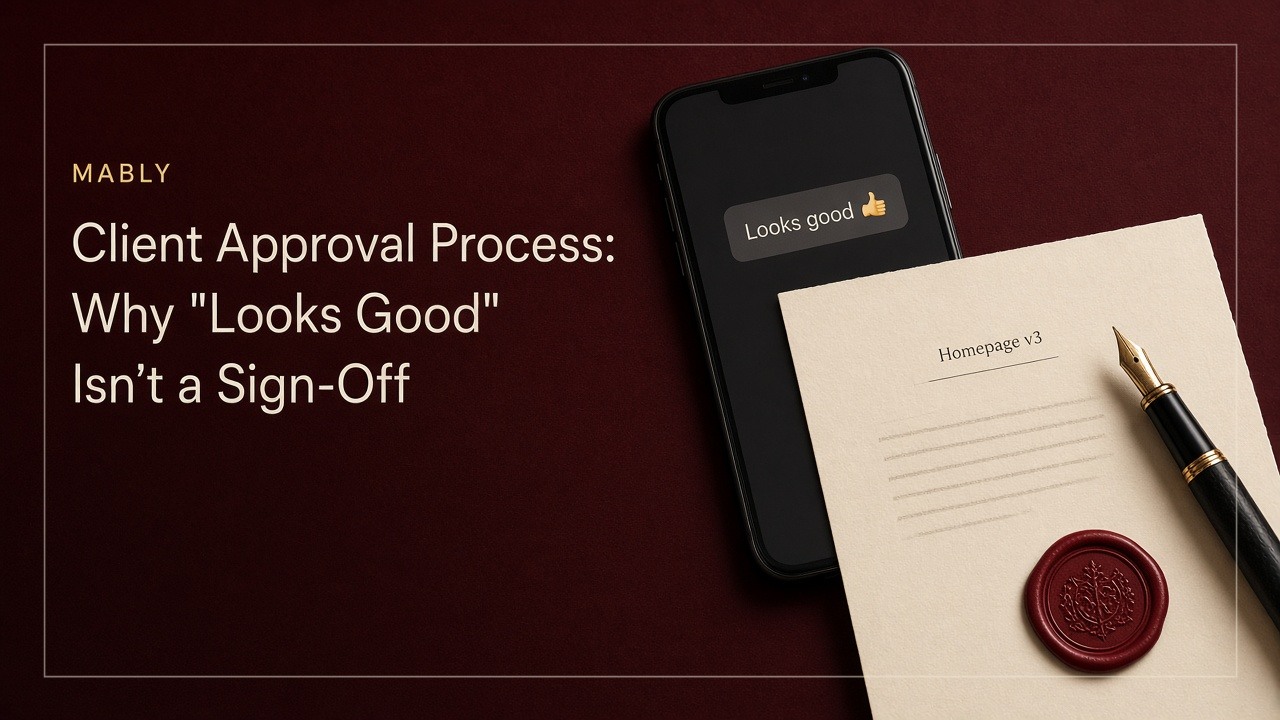
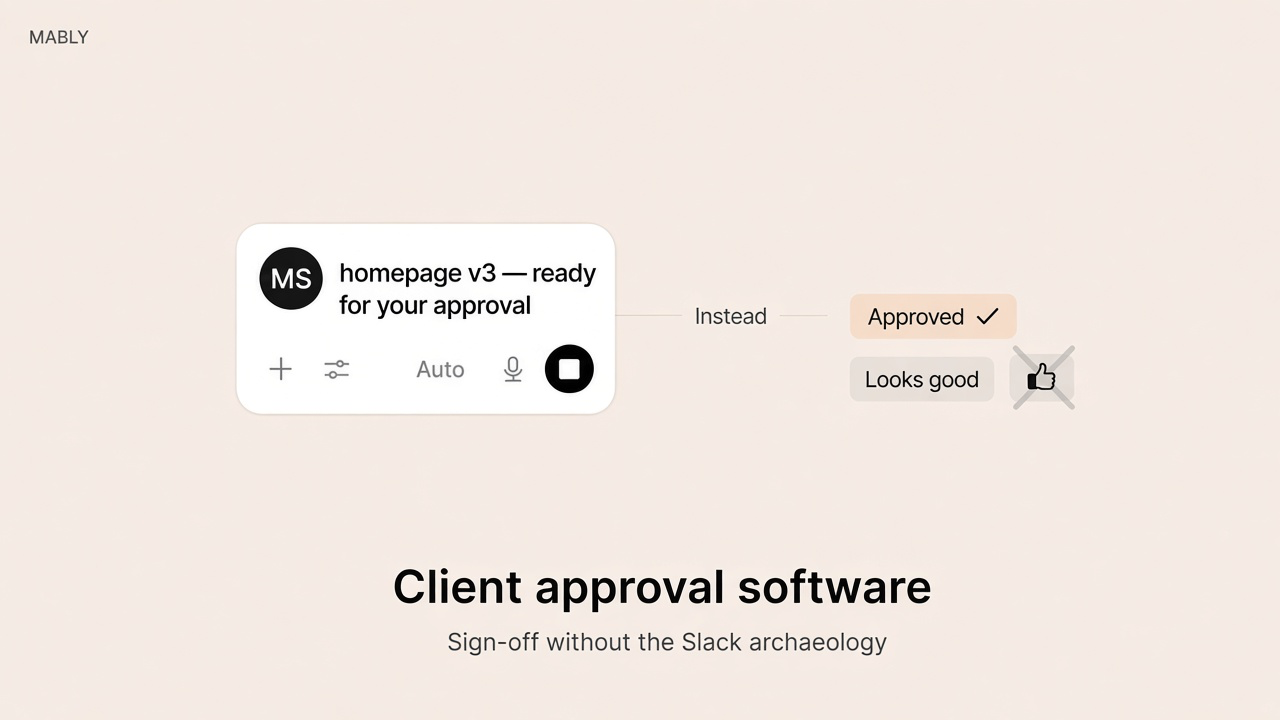
You already know the problem. A client says "looks good" in WhatsApp. You build. Someone new sees the work and wants changes. When you ask what was approved, nobody can find a clean record.
That's why people search client approval software. They want a tool that turns sign-off into a project event — not a mood in a chat thread. This guide covers what that software should do, what it shouldn't pretend to be, and how to choose it without buying another inbox.
What client approval software is
It's software that lets you request a yes-or-no on a specific version of a deliverable, and keeps a record of who approved it and when. Feedback can still happen. Approval is separate: closed, dated, findable later.
That distinction is the whole point of a client approval process. The software is just the place that process lives so you're not reconstructing it from emoji.
What a real approval record needs
- A specific version — homepage v3, not "the homepage."
- A named person — ideally the approver you agreed at kickoff.
- A timestamp — so nobody argues about the order of events.
- A clear meaning — approving unlocks the next stage (build, print, launch).
- A place both sides can find — not page 40 of a group chat.
If a product only adds a comment thread and calls it approvals, it failed the job. Comments are feedback. Approvals are decisions.
Approval software vs the tools people use instead
- Slack / WhatsApp / email — fast reactions, weak records. Fine for notes. Bad as the system of record.
- Project management tools — great for your team's tasks. A guest "approve" on a ticket is still your board, not a client-facing sign-off. See Client Portal vs Project Management Software.
- Design proofing (Figma comments, Frame.io, etc.) — excellent for feedback on the craft. Many freelancers still need a separate moment that says "this version is approved to build."
- Generic e-sign — right for contracts and statements of work. Heavy for every creative milestone.
- A client portal with approvals built in — files, status, feedback, and sign-off in one link clients already open.
Conditional replies like "Approved, just make the logo bigger" are two things: a change request and an incomplete approval. Make the change, send the next version, ask again.
What to check in a trial
- Put a real deliverable in and request approval on that exact file.
- Approve it as the client on your phone. One click should be enough.
- Come back a week later (or clear your head) and find the record: version, person, time.
- Invite a second stakeholder. Confirm they see what's waiting without a scavenger hunt.
- Check whether "looks good" in chat is still easier than the product. If it is, clients will ignore the software.
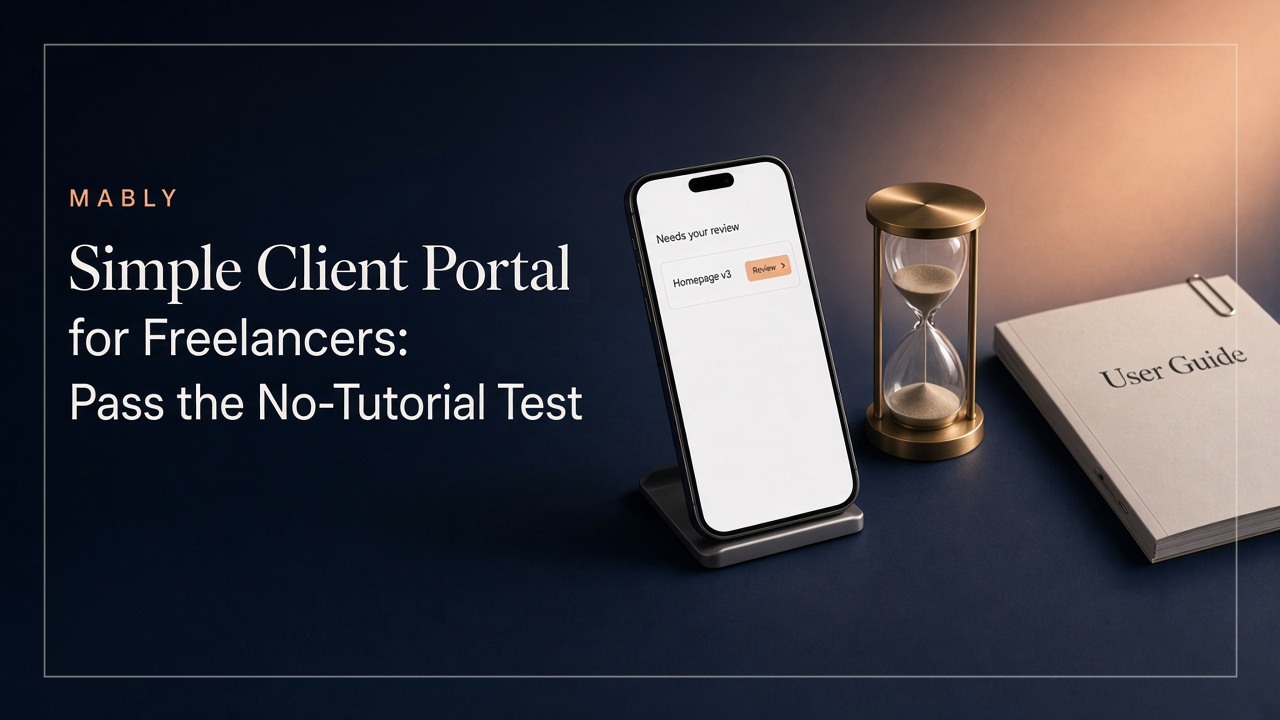
Also judge the first screen. If clients need a walkthrough to approve, the tool fails the same standard as any simple client portal.
Who needs dedicated approval software
Solo freelancers with short projects can get away with careful email — if they confirm what was approved in writing. The bill shows up on retainers, agencies, and anything with multiple stakeholders. That's when "I thought that was a first look" gets expensive.
If you already want one branded place for files and feedback, buy a portal that treats approvals as first-class — not a separate approval app your clients will never open. Agencies especially need one stable link; more on that in Agency Client Portal.
Where Mably fits
Mably is a client portal with approvals built for delivery work: request sign-off on a specific deliverable, keep status visible, and record who approved it and when. Clients open one branded link — files, feedback, and the decision live together.
Keep Figma or Frame.io for craft feedback if you want. Use the portal when you need a clear yes that unlocks the next stage.
Approvals clients can find later
Request sign-off on the real deliverable. Keep the record next to the file — not buried in chat.
Try Mably freeWhat is client approval software?
Software that lets you request a clear yes-or-no on a specific version of work and stores who approved it and when. It turns sign-off into a project event instead of a casual message in chat.
Is Slack or email enough for client approvals?
Only if you confirm the exact version and meaning in writing and can find that message later. Ambiguous replies like "looks good" are easy to misread and hard to prove weeks later.
How is approval software different from proofing tools?
Proofing tools excel at comments and revisions on the craft. Approval software (or a portal with approvals) marks a version as signed off so the project can move forward. Many teams use both.
Do I need a separate tool just for approvals?
Usually no. If clients already struggle to open one more login, put approvals inside the same place they get files and leave feedback.
What should an approval request say?
Name the version, ask yes or no, say what approval unlocks (for example, development starts Monday), and offer a clear path for changes. Friendly, short, unambiguous.