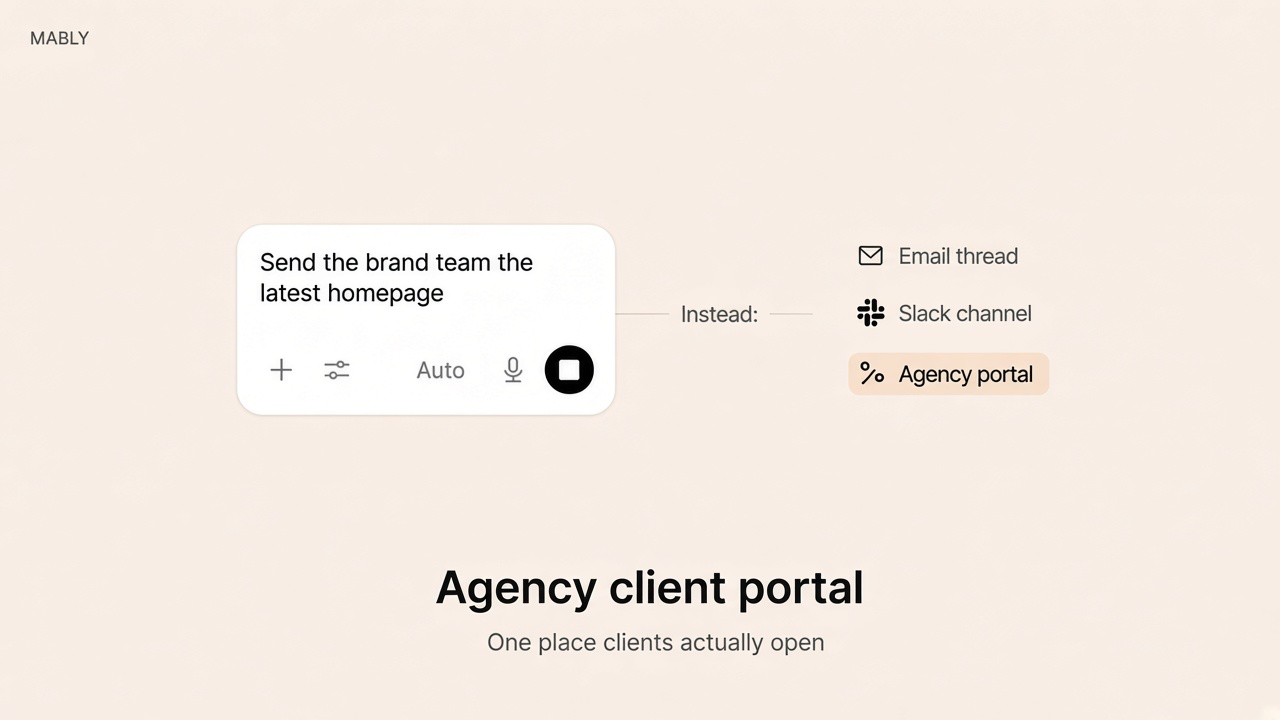
An agency client portal is supposed to stop the same three emails: where's the file, any update, and can you resend that link. Most agencies already have folders, Slack channels, and a project tool. What they don't have is one calm place each client can return to.
This guide is for studios and small agencies — design, product, marketing, branding — that deliver work for review. Not accounting firm portals. Not a guest seat in the board you use internally.
What an agency client portal is
It's a branded space per client (or per account) where that client sees their projects: latest deliverables, what's waiting on them, feedback, approvals, and often invoices or useful links. Your team keeps producing in Figma, Drive, Notion, or Asana. The portal is the layer the client touches.
Agencies feel the pain faster than freelancers because one account often means multiple stakeholders — brand, marketing, legal — each asking for the same file in a different thread. A portal that only mirrors your internal task list fails them. A portal built around deliverables and decisions works.
What clients open it for
- What changed since the last review.
- What needs them — feedback, a choice, or an approval — stated clearly.
- The latest file, not last week's export with final in the name.
- What they already signed off, so a new stakeholder doesn't reopen a closed decision.
If the first screen answers those, account managers spend less time as human search engines. If it shows phases, swimlanes, and internal deadlines, clients bounce to email. Same rule as a simple client portal for freelancers: no tutorial required.
Portal vs the tools you already run
- Project management (Asana, ClickUp, Monday) — how the team sequences work. Clients as guests usually visit once. Keep the board internal. More in Client Portal vs Project Management Software.
- Shared Drive / Dropbox — storage. No status, no approval record, no waiting-on-you.
- Notion or a DIY builder — flexible for you, easy to hand clients a workspace shaped like your brain. Fine for ops-heavy products; heavy for delivery review.
- All-in-one agency suites — proposals, CRM, time, portal in one bill. Useful if you want consolidation. Check whether the client view is quiet, or buried under your operating system.
If every new client gets a Loom walking through the portal, the portal is part of the delivery cost. Budget for that, or simplify until the Loom isn't needed.
What agencies should require
- One link per client account that stays stable across projects and phases.
- Deliverable-level feedback and approvals with a record you can find months later.
- Roles for multiple contacts — client A never sees client B; finance doesn't need every design file if you don't want that.
- Your brand on the login and the space clients remember.
- Sign-in clients will tolerate — magic link or email code beats another password for occasional visitors.
- Mobile that works — stakeholders approve between meetings.
- Fast setup for the next retainer — if each client is a rebuild, the ops team will skip the portal under pressure.
How to roll it out without drama
- Pick one live account and put real work in — not a demo project.
- Invite the day-to-day contact first. Confirm they can find what's waiting in under a minute.
- Move feedback and approvals into the portal on purpose. Stop accepting "looks good" only in Slack for that account.
- Add the portal link to kickoff and status emails so the inbox points back.
- Only then roll to the next three accounts. Agency-wide launches fail when the first portal is still confusing.
Treat it like client onboarding: the portal is where the relationship lives, introduced early, not bolted on after the third confused email.
Where Mably fits
Mably is an agency-friendly client portal for small teams: one branded link per client, files with status, feedback on the work, and approvals you can point to in a review. Clients sign in with a magic link or email code. Your PM tool and Drive stay for production.
If you need a full white-label ops platform with CRM and resourcing, shop that category separately. If you need clients to review and approve delivery without living in your board, this is the layer.
If you're mapping client delivery workflows, also see White Label Client Portal Software.
Give every client one agency portal
Branded link, clear asks, approvals that stick — without another walkthrough call.
Try Mably freeWhat is an agency client portal?
A branded space where each client (and their stakeholders) can see project deliverables, leave feedback, approve work, and often check invoices — without access to the agency's internal project tools.
Should clients get access to our Asana or ClickUp?
Usually no. Those tools are how your team runs work. A portal shows the client only what they need to decide. Guest seats often create one visit and then more email.
Can one portal handle multiple projects for the same client?
It should. Agencies burn goodwill when every phase gets a new Drive folder and a new link. One account link with projects inside is easier for stakeholders to bookmark.
How is this different from a freelancer client portal?
Same job — files, feedback, approvals — with more pressure from multiple contacts and longer retainers. Permissions and a stable link matter more at agency scale.
How do we know the portal is working?
Fewer "where's the file" emails, approvals happening in the portal, and new stakeholders finding the latest version without a Slack scavenger hunt. If account managers still narrate the portal on every call, simplify the first screen.
.webp)