




Create a video project.
Brand the workspace so reviews feel like your studio — not another random link dump.
AC
Acme Brand Workspace
Project name
Welcome to your project workspace…

For video editors
Cuts, revisions, and sign-off in one branded place — so “which cut is final?” stops living in a chat thread.
From $9/month · Cancel anytime · Built for video delivery
Set up a branded client experience, invite your client (and anyone else who needs access), and keep cuts, revisions, and approvals in one place clients understand.
Brand the workspace so reviews feel like your studio — not another random link dump.
Acme Brand Workspace
Project name
Invite clients and stakeholders to open the latest cut and notes without a buried email thread.
Client invite link
mably.app/project/acme-brand
Stack every revision on the same deliverable and lock sign-off before final export.
Mably is a client experience tool that gives video editors a simple client portal — keep Premiere and Frame.io if you want, but give clients one calm place for cuts, feedback, and approvals.
The video review mess
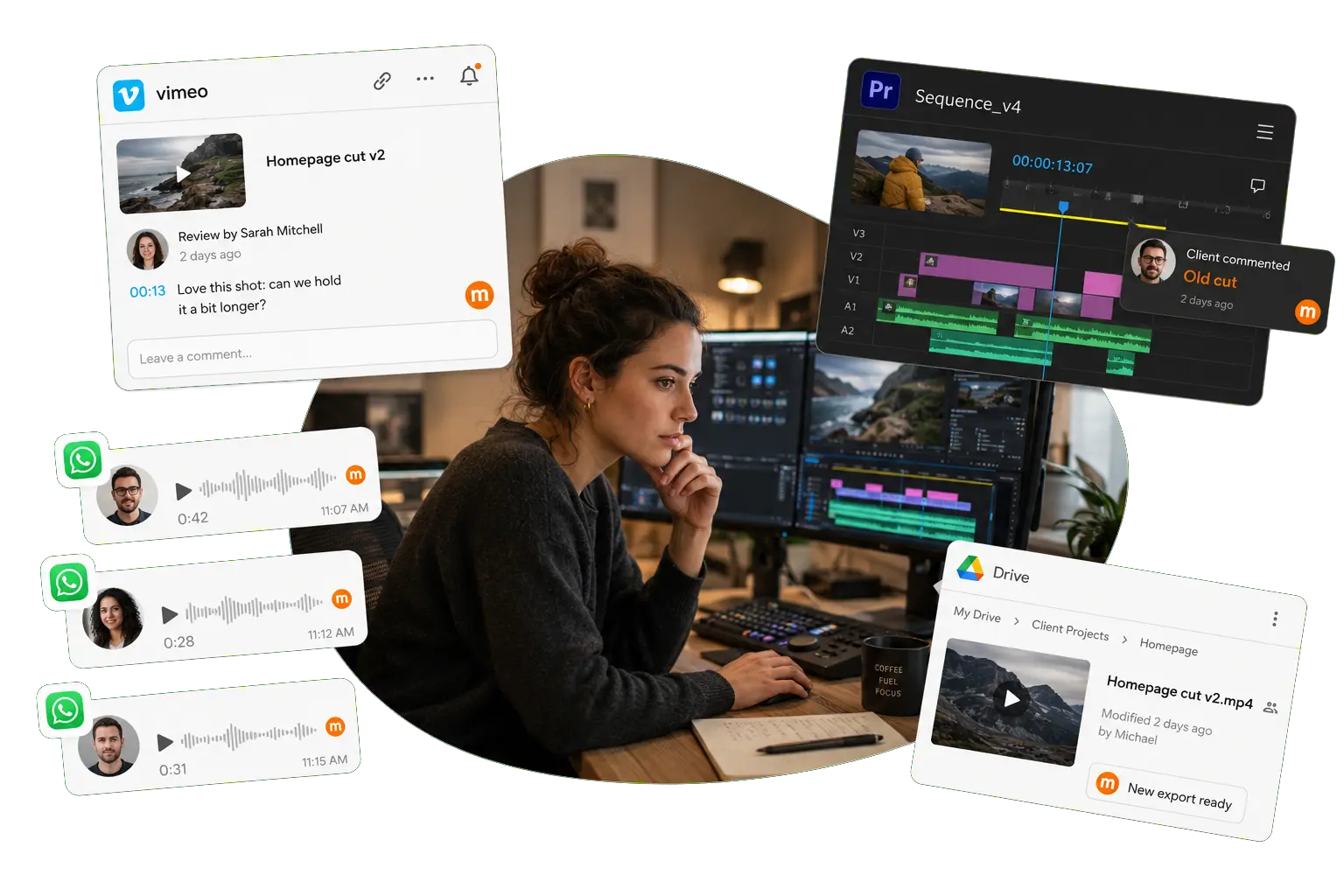
Vimeo links, Drive files, and WhatsApp voice notes collide. Clients comment on an old cut while you’re already on the next export.
cut_v4_final_REAL.mp4 forever. Rounds of notes pile up across email and chat until the approved version is anyone’s guess.
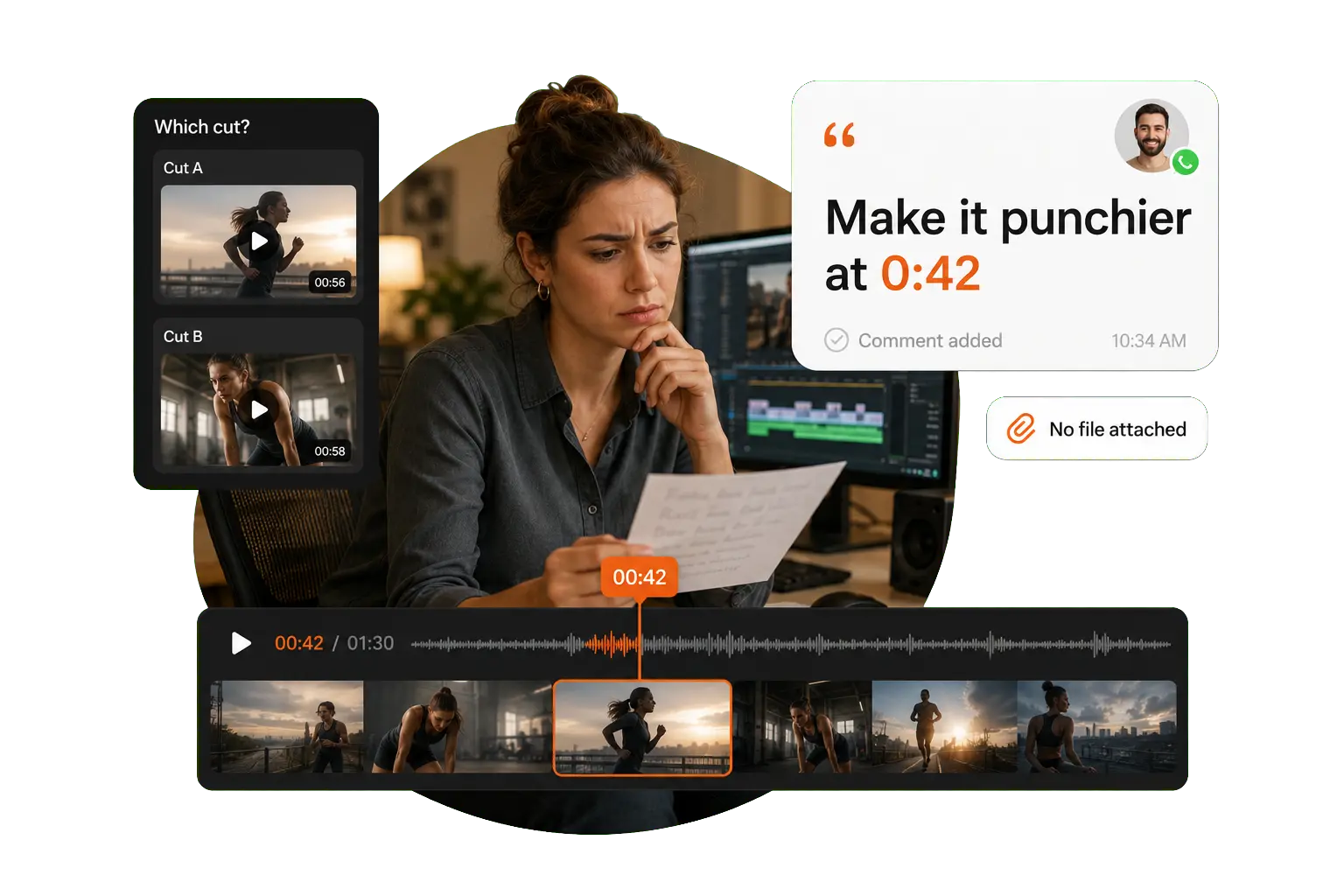
“Make it punchier at 0:42” arrives with no file attached — so you spend the afternoon guessing which cut they meant.

Built for video delivery
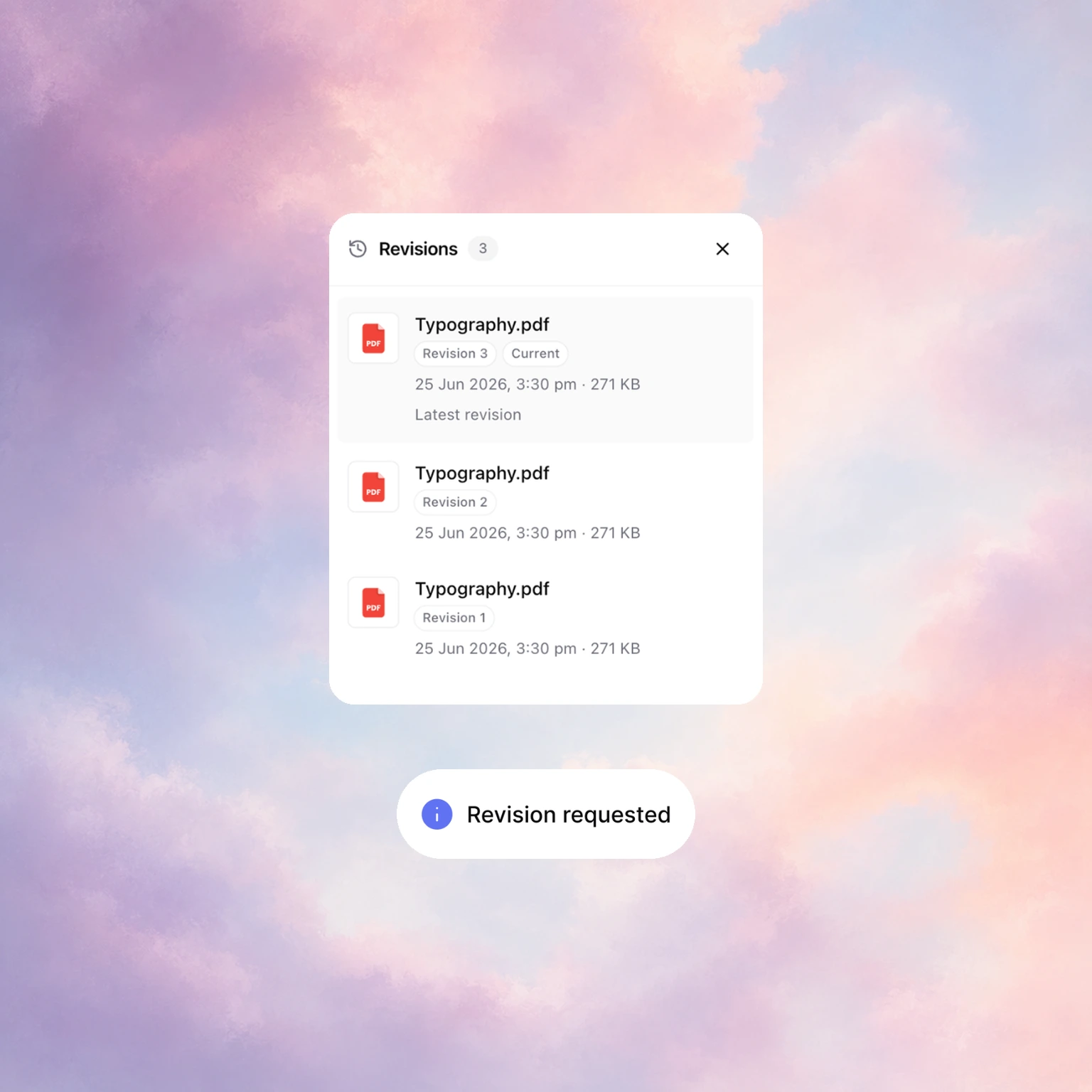
Revisions on the cut. Every round stays stacked on the same deliverable — not a new email.
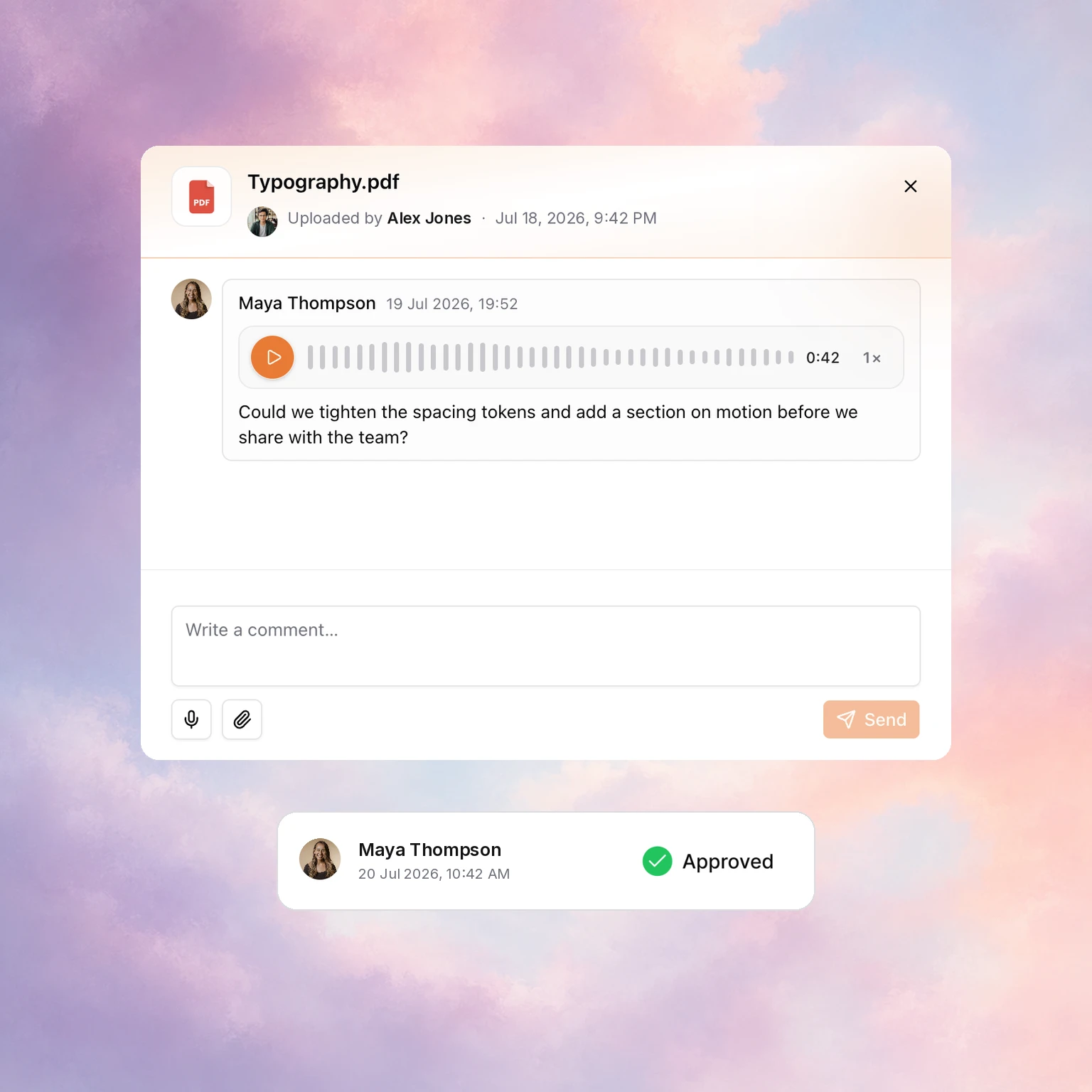
Approvals before final. Picture lock signed off — proof when scope drifts.
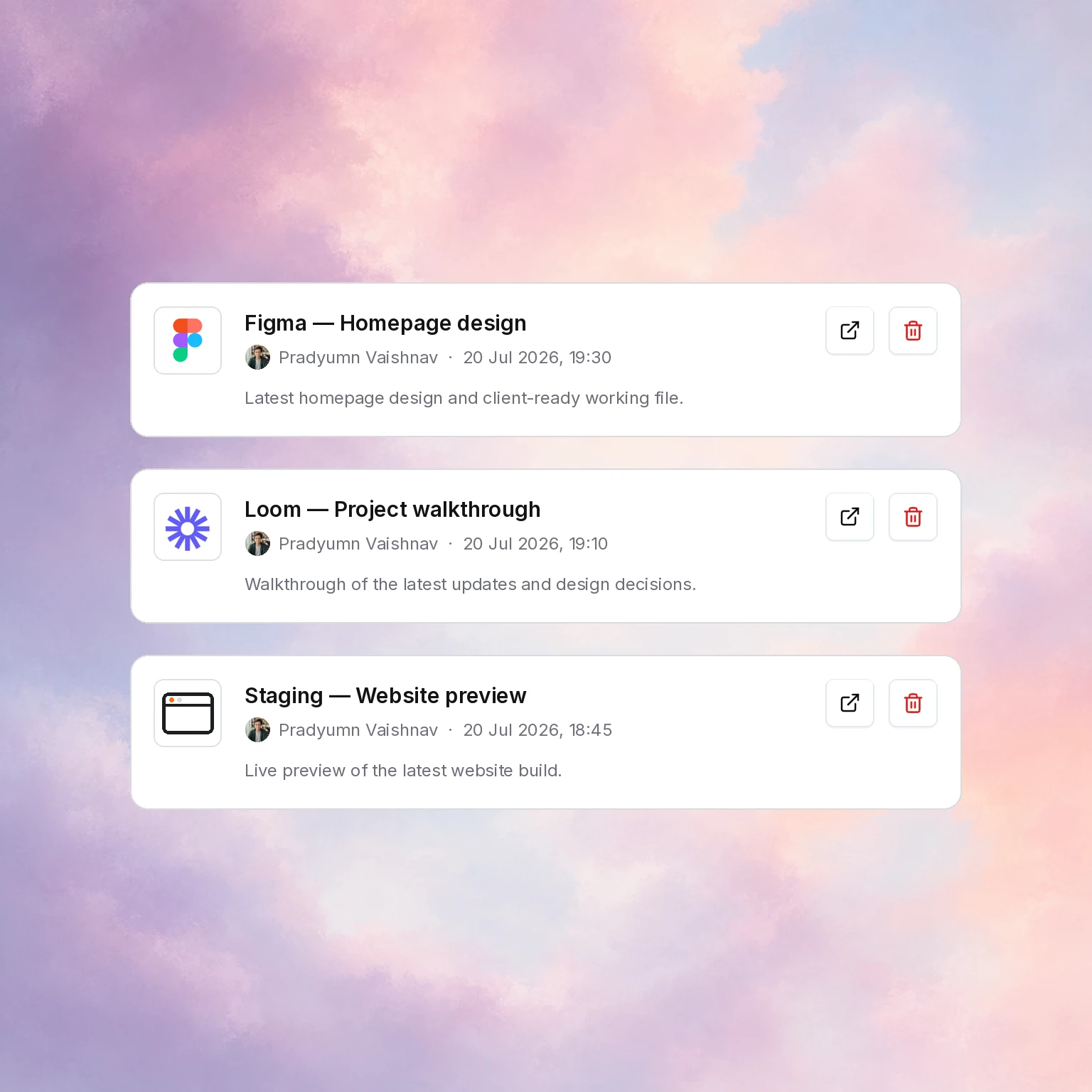
Preview links in one hub. Share the Vimeo or Frame link clients always ask you to resend.
The client experience

Branding
Your studio look — not a generic SaaS login.
File library
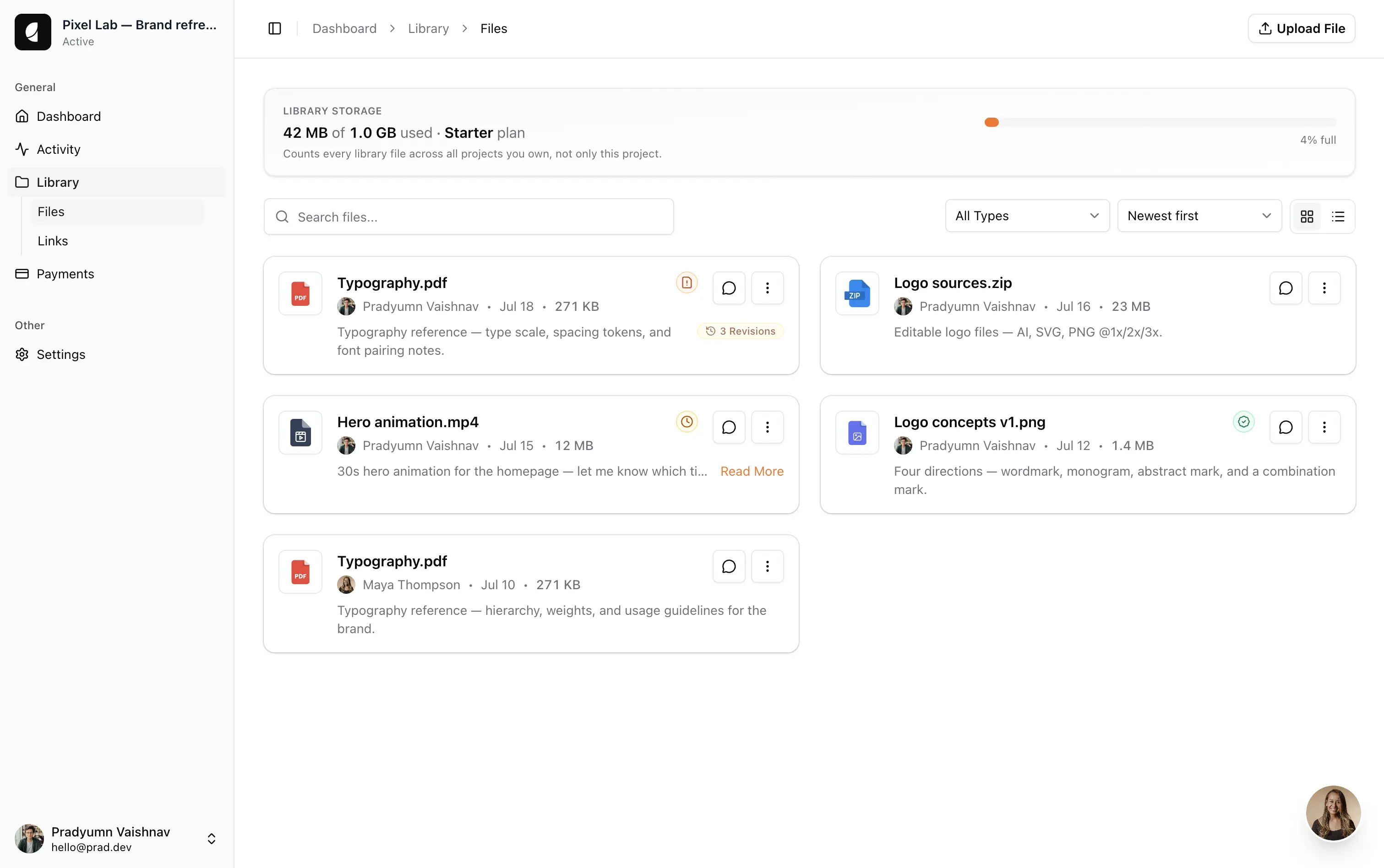

Feedback
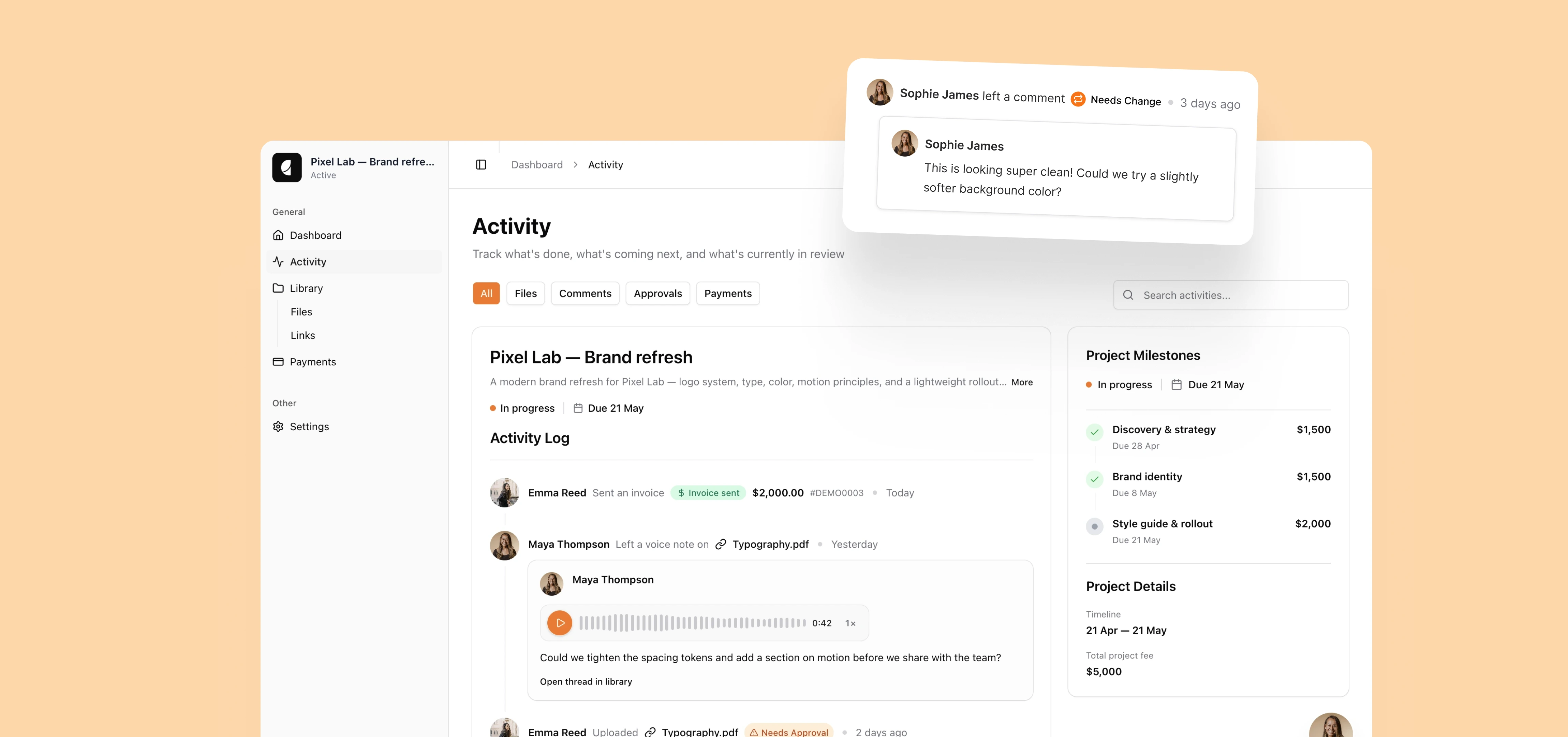
Notes and change requests stay with the work.
Activity

Having conversations, files, and links all in one place has made collaborating with my client much easier.
Megan Chapman
Right for video editors who
Not a replacement for
Sound like you?
Get startedFAQs
Yes. Mably is a client experience tool — and a simple client portal for video editors — one branded link for sharing cuts, collecting feedback, stacking revisions, and getting approvals.
Not for frame-accurate markup. Keep Frame.io or Vimeo Review for deep review if you need it. Use Mably as the client-facing hub for the latest cut, notes, and sign-off.
Create a project, upload exports or share preview links, and invite the client. Need a producer or second stakeholder too? Invite them from Settings → People. They review, comment, and approve without hunting through chat.
Yes. Invite extra clients or stakeholders from Settings → People — same portal, same cuts and approvals.
Yes. Request approval on a deliverable and the status stays visible — useful before final grade or delivery.
Share preview links for heavy files and keep lighter exports or stills in the file library. Clients still get one place for decisions.
WhatsApp is fast but context dies. Mably keeps notes on the deliverable with a clear approval record.