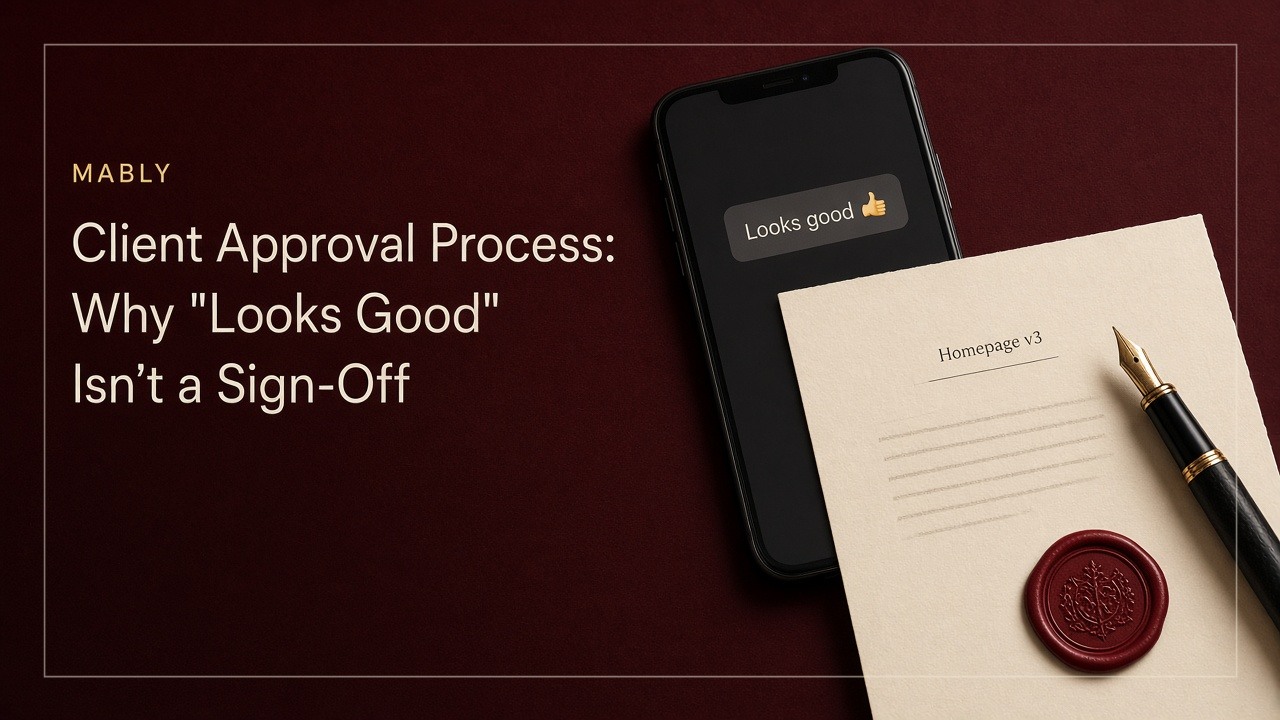
It's a Thursday afternoon. You send the client the homepage design, homepage-v3.png, with a short note asking what they think.
Forty minutes later, WhatsApp buzzes.
"Looks good 👍"
You exhale. You close Figma, open your code editor and spend the next eight days building it. Responsive layouts, animations, the custom pricing table they asked for in the kickoff call.
Then the link goes to their marketing director, who has never seen the design before. She hates the hero section. She wants the pricing table gone. And when you point out that the design was approved, your client scrolls back through the chat and says, genuinely confused, "Oh, I thought that was just a first look?"
Nobody lied. Nobody was being difficult. You just had two different ideas of what those two words meant, and nothing written down to settle it.
That's the gap a proper client approval process closes. Not with contracts and legal language, but with a simple idea: approval is a project event, not a mood in a chat thread.
What is a client approval process?
A client approval process is the agreed way a client signs off on your work before the project moves to its next stage. At a minimum, it answers four questions for every approval:
- What exactly was approved (which file, which version)
- Who approved it, and whether they had the authority to
- When they approved it
- What happens next because of it
If you can't answer all four three weeks later, you didn't really get a sign-off. You got a reaction.
We touched on this briefly in How to Manage Freelance Clients. This article is the deeper version: why casual approvals fall apart, what a real one looks like, and how to get them without turning into the freelancer who makes clients fill in forms.
"Looks good" can mean four different things
When a client replies "looks good," they could mean any of these:
- "I've seen it." They opened it on their phone between meetings. That's an acknowledgement, not a decision.
- "I like where this is going." They're happy with the direction, but they still have notes they haven't written yet.
- "Looks good to me, but I need to check with my boss." It's their personal opinion, not the company's decision.
- "Approved. Go ahead." This is the only one you actually wanted.
From your side of the screen, all four look identical. And because you want the project to move, it's very easy to read every "looks good" as number four.
The fix isn't to interrogate clients about their emoji. It's to stop asking questions that invite vague answers.
Feedback and approval are different actions
Most freelancers send work with some version of "Let me know what you think!"
That's a request for feedback, and it's a good one at the right time. But it's not a request for approval, and clients can tell. So they reply the way you'd reply to "what do you think?": with a reaction.
It helps to treat these as two separate steps:
- Feedback is open-ended. "What would you change? What's working? What's missing?" It can happen as many times as your revision rounds allow.
- Approval is closed. "Are you happy for me to move forward with this exact version?" The answer is yes or no.
When you blur the two, you get feedback that gets treated as approval, and approval that gets reopened as feedback. When you separate them, clients understand that one message is a conversation and the other is a decision.
Why ambiguity gets expensive after the next milestone
A fuzzy approval costs almost nothing on the day it happens. The bill arrives later.
In our homepage story, changing the hero section at the design stage would have taken an hour. After eight days of development, the same change means rebuilding components, redoing responsive layouts and retesting. The request didn't get bigger. The cost of saying yes to it did.
That's the pattern with most freelance projects. Each stage builds on the one before:
- Brand direction feeds the logo
- The logo feeds the website design
- The design feeds the development
- Development feeds the launch
Every approval is the foundation for the next chunk of work. If the foundation was never really agreed, everything built on top of it is up for negotiation. And that negotiation usually happens when you're already behind schedule and the client is already anxious.
It's also the quiet start of a lot of scope creep. The client isn't asking for extra work on purpose. They're asking for changes to something they don't remember approving, because there's nothing to remember.
What an actual approval record needs
A real approval doesn't need to be formal or legal-sounding. It just needs to hold up when someone asks about it later. That means:
- A specific version. Not "the homepage," but "homepage v3." If there are three files called homepage-final, the approval is worthless.
- A named person. Ideally the person you agreed would sign off, not whoever happened to reply first.
- A timestamp. So nobody has to reconstruct the order of events from memory.
- A clear meaning. Both sides understood that this approval moves the project forward.
- A place both of you can find it. A message buried on page 40 of a WhatsApp chat technically exists. Practically, it doesn't.
Watch out for conditional approvals too. "Approved, just make the logo bigger" is really two things: an approval of everything else, and a change request for the logo. Treat them separately. Make the change, send v4, and ask for approval on that.
This is exactly why we built approvals into Mably as their own thing rather than burying them in chat. You request approval on a specific deliverable, the status stays visible to everyone on the project, and Mably records who approved it and when. That's the kind of distinction that matters three weeks later, not just at the moment someone types "looks good."
What to do when several people can approve
Approvals get messier as soon as there's more than one person on the client side. A founder, a marketing lead, a developer and "someone from sales who has opinions" can turn a simple sign-off into a group chat.
A few things help:
- Agree on one approver at kickoff. Other people can absolutely give feedback, but one named person makes the final call. Put this in writing when you onboard the client. (It's one of the things we recommend covering in your client onboarding process.)
- If you need multiple approvers, name all of them. "This needs sign-off from both Priya and Tom" is fine, as long as everyone knows the approval isn't complete until both have given it.
- Ask your approver to consolidate feedback. It's their job to resolve disagreements inside their team, not yours to pick between contradictory notes.
- Ask early: "Is anyone else going to see this?" It's the single best question for avoiding the surprise marketing director.
That last one would have saved the homepage project from our opening story. One question, before the design was sent, and the marketing director would have been in the loop at the stage where changes were cheap.
How to make sign-off easy without becoming bureaucratic
Nobody wants to work with a freelancer who sends a PDF approval form for a colour change. The goal is a process that's lighter than the arguments it prevents.
Only ask for approval at real milestones
You don't need a sign-off on every file. Most projects have three to five moments where approval actually matters: the brief, the direction, the main design, the final build and the handover. Save formal approvals for those.
Ask a yes-or-no question
Replace "what do you think?" with a question that has a clear answer. For example:
Hi Mark, homepage v3 is ready for your approval. If you're happy with it, please approve it here. Approving means I'll start building it on Monday, and bigger layout changes after that will be scoped separately. If you'd like changes, leave comments on the file and I'll send a v4. Could you let me know by Thursday?
It's friendly, it takes the client ten seconds to read, and it leaves no doubt about what they're agreeing to.
Say what approval unlocks
"Approving this means we start development" does more work than any contract clause. Clients take approvals more seriously when they can see what happens next.
Make it one click
The more effort approval takes, the more likely clients are to reply "looks good" in whatever app is already open. If approving is a single button next to the file, that's what they'll use.
Be careful with silent approval
Some freelancers include a rule like "no feedback within five working days counts as approval." It can be a useful fallback for keeping projects moving, especially if it's agreed in your contract up front.
But treat it as a safety net, not your main process. Silence is the weakest kind of approval there is, and it's the easiest to dispute. If the deadline passes, send a short confirmation anyway: "As we agreed, since there was no feedback by Friday, I'm treating homepage v3 as approved and starting development on Monday." Now there's a clear record, and the client has one last chance to speak up before the expensive work starts.
The approval rule to add to every project
If you only take one thing from this article, make it this:
Nothing moves to the next stage until the current stage has a named, dated approval on a specific version.
Put it in your proposal or onboarding doc in plain language. Something like: "At each milestone, I'll ask you to approve the latest version before I move on. Changes after approval are treated as new requests." Most clients appreciate it, because it protects them from surprises too.
The same project, replayed
Let's go back to Thursday afternoon and run it again.
You send homepage-v3.png with a clear request: approve this version, and development starts Monday. Before sending, you asked whether anyone else needed to see it, and the client added the marketing director to the project.
The marketing director leaves two comments on the hero section. You make the changes and send v4. On Friday morning, the client clicks approve. The record shows homepage v4, approved by the client, with the date and time.
Eight days later, the build goes out. The marketing director has already seen the design and recognises it. If anyone wants to change the pricing table now, the conversation is easy: "Happy to. That's a change from the approved v4, so here's what it would take."
No awkward scrolling through WhatsApp. No "I thought that was just a first look." Just a shared starting point that both sides can see.
That's all a client approval process really is. Not paperwork. Just a way to make sure "looks good" and "approved" stop meaning the same thing.
If you're mapping client delivery workflows, also see Client Workspaces.
Get approvals you can actually point to.
Mably records who approved each deliverable and when, right next to the file.
Try Mably freeFAQ
What is a client approval process?
A client approval process is the agreed way a client signs off on your work before a project moves to its next stage. A good one records what was approved, which version, who approved it and when, so both sides share the same understanding of what was agreed.
How do I get clients to formally approve my work?
Ask a clear yes-or-no question instead of "what do you think?", explain what approval unlocks (for example, "approving this means development starts Monday") and make approving as easy as possible, ideally a single click next to the file. Agree at the start of the project that each milestone needs an approval before you move on.
Is an email or WhatsApp message a valid client approval?
It can be, if it clearly approves a specific version and comes from the right person. The problem is that messages like "looks good" are often ambiguous and easy to lose. If a client approves in a message, reply to confirm exactly what was approved and what happens next, and keep that record somewhere you can both find. For anything with legal or financial weight, check your contract or get advice from a professional.
What should I do if a client doesn't respond to an approval request?
Send a friendly reminder with a clear deadline. If your contract includes a silent approval clause (for example, no feedback within five working days counts as approval), you can rely on it as a fallback, but always send a written confirmation before starting the next stage so the client has a final chance to respond.
How many approval stages should a freelance project have?
Most freelance projects need three to five formal approvals, usually at the brief, the creative direction, the main design, the final build and the handover. Smaller changes in between can be handled through normal feedback without a formal sign-off.
What's the difference between client feedback and client approval?
Feedback is open-ended input on work in progress, and it can happen several times. Approval is a single decision that a specific version is ready and the project can move forward. Keeping the two separate stops feedback being mistaken for approval, and approvals being reopened as feedback.

.webp)