You already keep projects in Airtable. Clients keep asking for the latest file. Someone said: put a portal on top of the base. That search — softr client portal — is what brought you here.
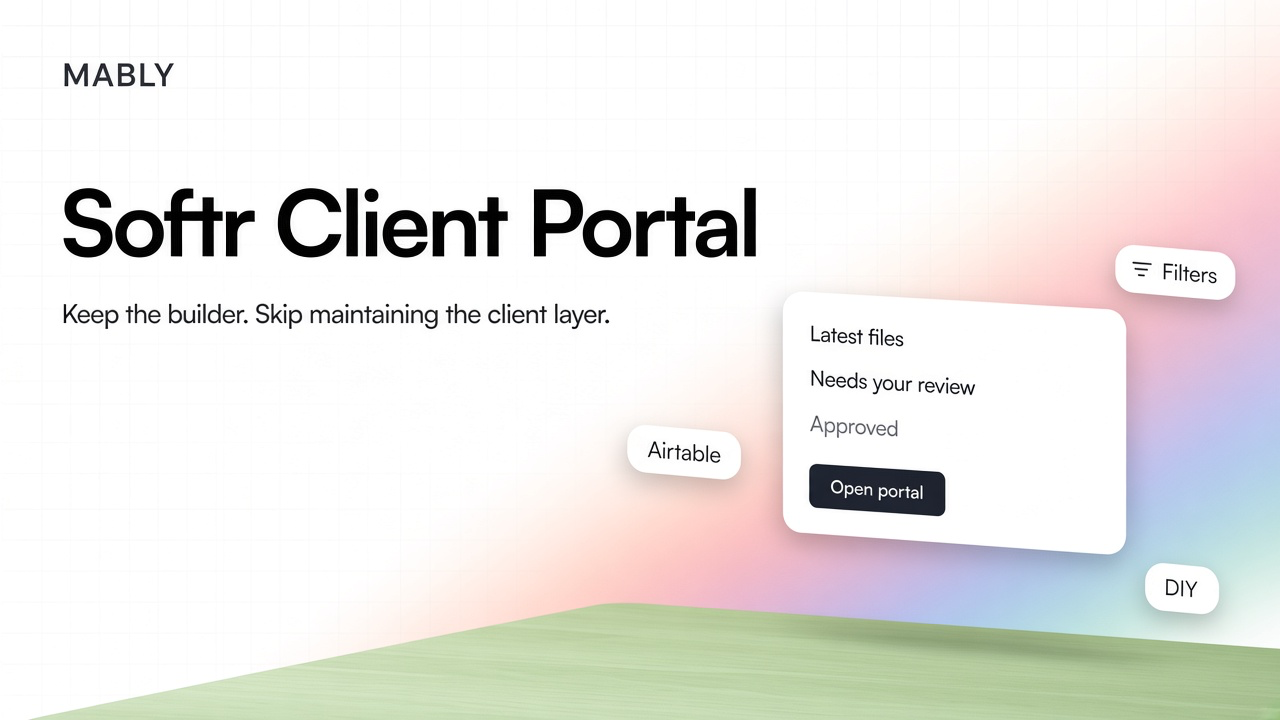
Softr can do that. It is a no-code builder that turns a database into a branded login, with pages, filters, and forms. The question is not "can Softr be a client portal?" It can. The question is whether you want to own a product for every client who opens a link six times a project.
What a Softr client portal actually is
Softr sits in front of your data. Most freelancers and small agencies connect Airtable (Softr also works with its own database, Google Sheets, and other sources). You build pages with blocks: lists, detail views, forms. Clients create an account or log in, and conditional filters show only the records that match their email or user group. They never open your base. You never share Airtable seats with them.
Softr's own client-portal template is built around that pattern: Clients, Projects, Tasks, Invoices in the base; a polished UI in Softr; publish on a Softr subdomain or your own domain. Clients can submit a form that writes a task back into Airtable. Admins see more. Clients see theirs.
That is a real portal in the technical sense. It is also a small software product you now maintain.
How people usually set one up
- Start from Softr's client portal template, or describe the app and let the builder generate pages.
- Connect the Airtable base (or use Softr's database) with clients, projects, files, and whatever else you track.
- Map login users to a Client Email field so each person only sees their rows.
- Add forms for requests, uploads, or profile updates that write back to the base.
- Brand it — logo, colours, custom domain — and publish.
On paper that is an afternoon. In practice the afternoon is the easy part. The hard part starts when a client asks where revision 3 is, when a filter leaks the wrong record, or when the mobile layout makes the "approve" button hard to find.
Where Softr is genuinely good
- You already live in Airtable. The portal is a view of data you already trust, not a second system to keep in sync.
- You need custom pages. Onboarding forms, dashboards, weird fields specific to your service — Softr is flexible.
- You are building for many similar clients with the same schema. Agencies with a repeatable delivery model get more value than a solo designer with three projects.
- Permissions matter. Clients should not see the whole base. Softr's filters and user groups exist for that reason.
If the portal is part of what you sell — a white-label operations layer for other businesses — Softr is a reasonable build tool. If you sell design, photography, video, or consulting, the portal is support infrastructure. Different job.
What you inherit when you build it
Nobody plans to ship a confusing client experience. Complexity arrives through reasonable decisions.
- You become the product manager. Every empty state, label, and permission edge case is yours. Softr gives blocks; it does not decide what "waiting on you" should look like.
- A filter is not a delivery workflow. Showing projects where Client Email = logged-in user is access control. It is not file status, revision history, or a recorded approval.
- Feedback has no natural home unless you design one. Forms that create tasks are useful. Comments on a specific deliverable version are a different feature, and you have to invent it.
- Clients still learn a system. Accounts, passwords or magic links, navigation, which page holds the file. If you need a Loom, you have the same problem as a crowded Notion share — covered in Notion Client Portal.
- Mobile is easy to under-test. Clients check in from a phone between meetings. Dense lists that look fine on your laptop fail the five-second test.
Softr removes the need to code a portal. It does not remove the need to design one. The second job is usually the expensive one.
Softr vs inviting clients into the tools you already use
Sharing Airtable, Notion, or a project board directly is worse for most freelancers: the client sees structure built for you. Softr is an improvement on that — a separate UI, branded, filtered. The remaining question is whether you want to maintain that UI.
Project tools have the same split. Keep Asana or ClickUp for how you sequence work. Do not make the client operate the board. Client Portal vs Project Management Software is about that boundary. Softr can sit on the client side of it — if you keep building.
When a dedicated delivery portal is enough
Most freelancers searching this are not trying to ship a multi-tenant SaaS. They want one place per client for the latest file, a clear ask, feedback, and an approval that sticks. That is a narrow product. Building it in Softr means recreating those primitives on top of tables and blocks.
A dedicated client portal app already has that shape: one branded link, deliverables with state, feedback on the work, approvals as a record. Client Portal for Freelancers is the setup. The standard is still: if you have to explain it, it is not finished.
Mably is that layer. Keep Airtable, Drive, or Figma for how you work. Give clients a quieter place for the relationship. You do not maintain pages, filters, and empty states for every new engagement.
A quick way to choose
- You need a custom ops portal on Airtable data, with forms and roles, and you are willing to maintain it. Softr (or similar) is in the right category.
- You need clients to review work, leave feedback, and approve versions without learning your base. A delivery portal is the shorter path.
- You started in Softr and the Loom is getting longer. That is usually the signal to stop building and buy the client-facing layer.
Skip building the client layer
One branded link per client for files, feedback, and approvals — without Airtable filters or a walkthrough.
Try Mably freeCan Softr be used as a client portal?
Yes. Connect a data source (often Airtable), build pages with lists and forms, filter records to each logged-in client, and publish on your domain. It works well when you need a custom UI on data you already keep.
Do clients need access to Airtable?
No. That is the point of Softr in this setup. Clients log into the Softr app. Your base stays private. Filters decide which rows they see.
Is a Softr client portal free?
Softr has free and paid plans; Airtable has its own limits. Factor both, plus the time you spend designing pages, permissions, and empty states. The subscription is rarely the full cost.
Softr vs a dedicated client portal for freelancers?
Softr is a builder: flexible, and you own the experience. A dedicated portal ships the delivery workflows — latest file, feedback, approvals — without you assembling them. Freelancers who sell creative work usually want the second. Teams selling a custom ops product often want the first.
When should I stop building in Softr?
When explaining the portal takes longer than using it, when every new client needs a schema tweak, or when feedback and approvals still happen in email because the portal does not make those actions obvious.
.webp)