Consulting work produces a lot of "just checking in." The deck from last week. The revised roadmap. The decision someone thought was final. When people look up client portals for consultants, they're usually tired of being the search engine for their own engagements.
A portal won't replace the judgment you sell. It replaces the scavenger hunt around it: one place each client opens for the latest deliverable, what's waiting on them, and what they already signed off.
What a consultant's client portal is for
It's the client-facing layer of the engagement — not your research folder, not your working notes, not the half-finished frameworks you wouldn't show on a call. Clients see:
- Current deliverables (decks, memos, roadmaps, recordings) with a clear latest version
- What's waiting on them — feedback, a choice, or an approval
- What they've already approved, so new stakeholders don't reopen closed decisions
- The handful of links they keep asking for — workspace, survey, staging doc
Your Notion, Drive, or Miro can stay messy. The portal is the deliberate handoff. Same idea as a client portal for freelancers, tuned for advisory work instead of creative production.
Why consultants' tools fail as portals
- Shared Drive folders hold files. They don't show status or a real approval.
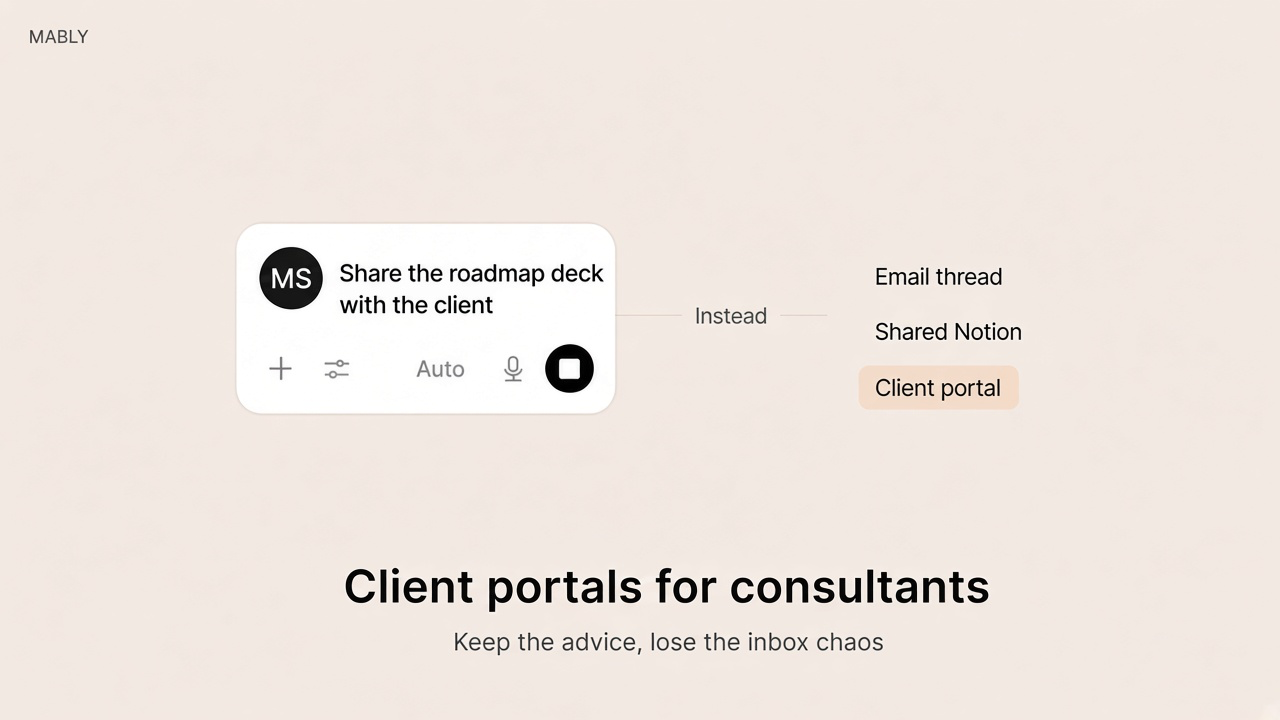
- Notion / Confluence shared with the client exposes how you think. Clients inherit your structure and your drafts. More on that pattern in Notion Client Portal.
- Guest seats in Asana or Monday dump stakeholders into your task board. They came for the recommendation, not your backlog. Client Portal vs Project Management Software is the longer split.
- Email alone works until a second contact joins and nobody can find which PDF was "final."
If you need a Loom to explain the client space, it isn't finished. Consultants' clients visit rarely — every open is basically a first visit.
What belongs in the portal (and what doesn't)
Put in: polished deliverables, decision logs worth preserving, agendas and notes you agreed to share, invoice status if money runs through the same relationship.
Keep out: interview raw notes, hypothesis dumps, internal ratings of stakeholders, buffer deadlines, and anything you'd regret if forwarded to the CEO. The portal is a product surface. Treat it like one.
Approvals matter more than you think
Consulting recommendations get expensive when "we're aligned" was only a nod on a Zoom. Ask for a clear yes on the version that unlocks the next phase — strategy signed off before the build plan, roadmap approved before the team scales. A dated record beats reconstructing the call two months later.
How to introduce it without friction
- Add the portal link in onboarding, next to goals and the single approver. (Client onboarding is the moment clients learn where work lives.)
- Put the first real deliverable in before you tell them to stop emailing files.
- Point every "where's the deck?" reply back to the same link.
- Keep sign-in light — magic link or email code. Consultants' clients will not adopt another password stack.
Judge success with the no-tutorial test: can someone new on the client side find what's waiting and the latest file in a few seconds?
Where Mably fits
Mably gives consultants one branded link per client for files, feedback, and approvals. You keep your research tools. Clients get a quieter layer that doesn't look like your internal brain dump.
If you need a full client collaboration suite with CRM and time tracking, shop that separately. If you need handoffs that stay findable, this is the layer.
A calmer handoff for every engagement
One branded link for deliverables, feedback, and approvals — without inviting clients into your notes.
Try Mably freeDo consultants need a client portal?
If clients repeatedly ask for the latest deck, approval status, or shared links, yes. A portal won't do the consulting — it stops you from re-sending the same files and reconstructing decisions from email.
Should I share my Notion workspace with consulting clients?
Usually no. Notion is fine for how you work. Clients need a simpler view of what's current and what you need from them — not your full working system.
What should go in a consulting client portal?
Current deliverables, clear asks, approval records, and shared links. Keep raw research, internal notes, and unfinished thinking out of the client view.
How is this different from a project management tool?
PM tools sequence your work. A portal shows the client the deliverable and the decision. Guests in your board rarely stick; they go back to email.
Will busy executives actually log in?
They will if sign-in is light and the first screen answers their question. If the portal needs a tutorial or a new password ritual, expect them to ignore it.
.webp)