You're looking up client portal software for small business because the current stack is loud. Files in Drive. Feedback in email. Approvals in a chat nobody can find later. You want one place clients can open without a lecture.
Most comparison pages list twenty features. Small teams don't need twenty. You need software your next client will actually use on a phone between meetings — and that you can set up without hiring an ops person. This guide is that shorter list.
What client portal software is (for a small business)
It's a branded login or link where each client sees their work: latest files, what's waiting on them, feedback, approvals, and often invoices. It is not your internal project board with a guest seat. It is the client-facing layer in front of how you already work.
For a five-person studio or a solo operator with a VA, that distinction matters. Enterprise portals assume IT, SSO rollouts, and a support queue. Small-business portals have to ship a calm first screen and stay cheap as you add clients. Client Portal for Freelancers covers why the category exists; this article is about buying it.
The three questions that decide the tool
Ignore the feature matrix until you can answer these with a real trial account.
- How fast is the first client invite? If importing a client, adding a project, and sending a link takes more than an afternoon, you will abandon the tool. Time to first invite predicts whether this becomes a habit.
- Will the client open it without you? Password resets and long menus send people back to email. Magic link or email code beats another account for someone who visits six times a project.
- What does each active client cost? Flat plans scale differently than per-seat or per-contact pricing. Divide monthly price by active clients before you compare "cheap" entry tiers.
Must-haves for small teams
- Latest file is obvious — with a clear state (in progress, needs review, approved), not a folder of finals.
- Feedback on the deliverable — comments tied to the work, not a separate inbox.
- Approvals as a record — what they signed off, when. Slack thumbs-ups don't count in a dispute.
- Your brand on the experience — logo and colours at minimum; custom domain if the plan you can afford includes it.
- Mobile web that works — most clients approve from a phone. Test Safari before you care about a native app.
- One client never sees another — permissions you can verify in the trial, not just a sales slide.
If the portal also does contracts and invoices, useful — as long as the delivery side stays quiet. All-in-one platforms often bury the client view under CRM and time tracking. Then you're back to explaining a system. The standard in Simple Client Portal for Freelancers still applies: if you need a tutorial, the product failed.
What small businesses should skip
- Guest seats in project software. Asana, ClickUp, and Trello are for how you run work. Clients don't want your board. More on that in Client Portal vs Project Management Software.
- Practice portals for other industries. Accounting and legal portals are built for organizers and engagement letters. Wrong shape for delivering creative or consulting work.
- DIY builders as a default. Softr or Notion can look cheaper until you own every empty state and permission edge case. Fine if the portal is the product; expensive if you sell the work.
- Portals locked behind the expensive plan. Confirm the client portal exists on the tier you'll actually pay. Entry pricing that hides the portal is a common trap.
- Anything that requires an App Store download before a client can leave feedback. Browser link first.
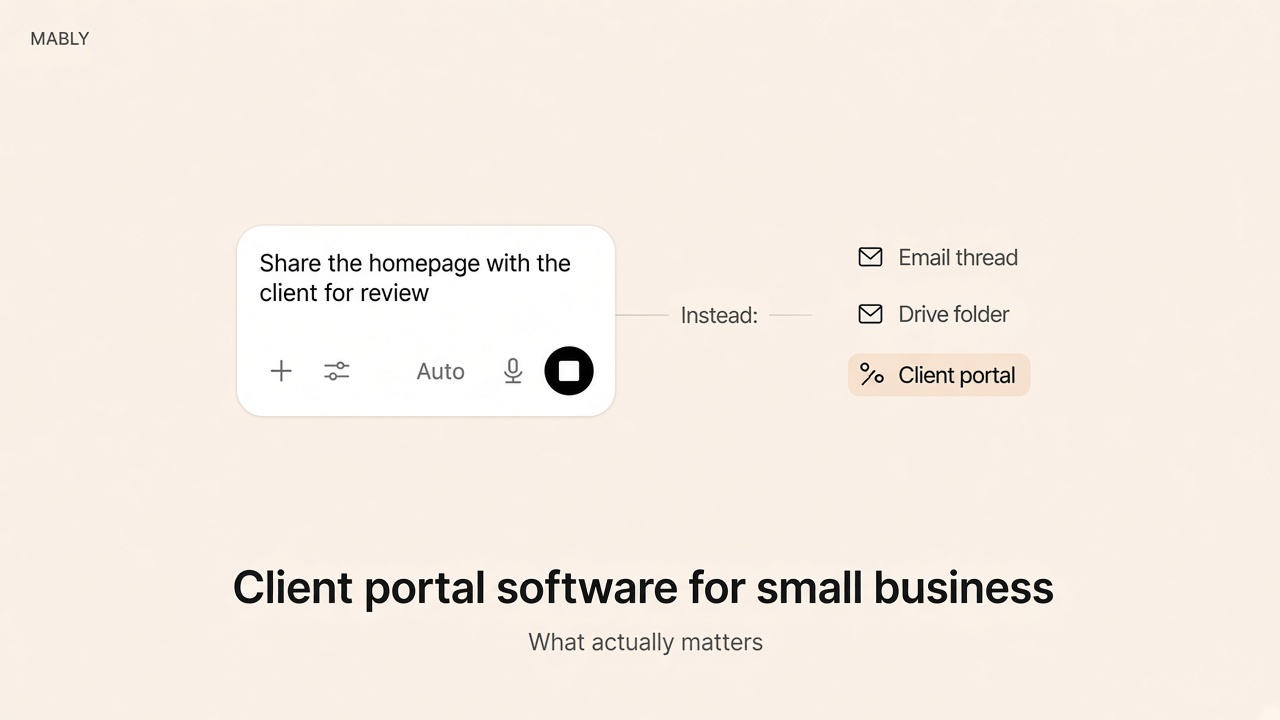
A shared Drive folder is storage, not portal software. It holds files. It does not show what changed, what needs the client, or what they already approved.
How to trial without wasting a week
- Put one live deliverable in — a real homepage, deck, or photo set. Sample data lies.
- Sign in as the client on your phone. Try to find what's waiting and the latest file in five seconds.
- Approve something. Check whether that approval is findable next month.
- Add a second client contact. Confirm they only see their project.
- Invite your next real client within a week. If setup still feels heavy, the tool is wrong for a small team.
Pricing patterns to watch
Small businesses get surprised by three models: per team seat (fine until you add a contractor), per client contact (punishes growth), and "portal on the mid tier only." Ask what happens at ten clients and at twenty. Also ask about payment fees if invoices live in the same login — a low subscription with high transaction cuts is not cheap.
Where Mably fits
Mably is client portal software for freelancers and small teams: one branded link per client, files with status, feedback on the work, and approvals you can point to later. Clients sign in with a magic link or email code. You keep Drive, Figma, and your board for production. They get the quieter layer.
If your search was really "we need one place that isn't email," start there. If you need a custom Airtable ops portal with roles and forms, you're shopping for a builder — different category, covered in our notes on client portal apps.
Client portal software that stays simple
One branded link per client. Files, feedback, and approvals — without a walkthrough or a second ops job.
Try Mably freeWhat is client portal software for small business?
Software that gives each client a private, branded place to see project files, status, feedback, approvals, and often invoices. For small teams it should be fast to set up and easy for clients who only visit a few times per project.
Do small businesses need a client portal or is Drive enough?
Drive stores files. A portal also answers what changed, what needs the client, and what they already approved. If you still get "where's the latest?" emails, storage alone isn't enough.
How much should client portal software cost?
Compare cost per active client, not just the sticker price. Flat plans usually suit small businesses better than per-seat or per-contact pricing once you grow past a handful of projects.
Should the portal replace our project management tool?
Usually no. Keep project software for your team. Use the portal for what clients need to see and decide. Mixing both often makes the client experience heavier.
What's the fastest way to evaluate a vendor?
Load a real deliverable, open the client view on your phone, and see if a stranger can find what's waiting and the latest file in five seconds. Then check how approvals are recorded and what the plan costs at your client count.
.webp)