You typed client portal app because something about the current setup is broken. Files live in Drive. Feedback lives in email. Approvals live in a Slack thread nobody can find. Someone on your last call said "we should get a portal," and now you're looking for the thing that makes that sentence real.
An app store search doesn't help much. Half the results are accounting portals for tax firms. Another pile is helpdesk software. A third is project boards with a "client" guest seat bolted on. This guide is for freelancers and small studios who want one client-facing place for the work — not a second system for running the business.
What a client portal app is
A client portal app is software that gives each client a private, branded place to open their project. They see the latest files, leave feedback, approve work, and often check invoice status — without sitting inside the tools you use to make the work.
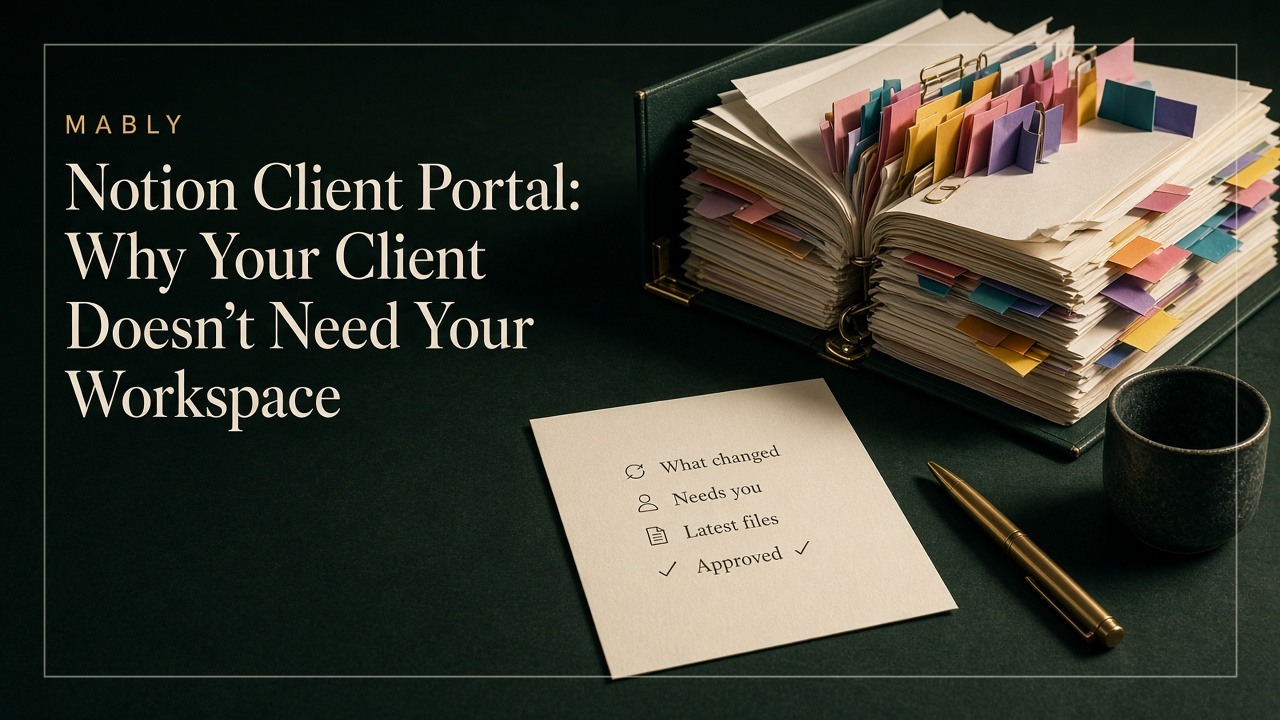
That last half matters. The portal is not your Figma, Notion, Asana, or Drive with a login shared. It is a thinner layer in front of those tools: the part the client is meant to touch. You keep the messy internal side. They get one link that answers what changed, what you need from them, where the file is, and what they've already signed off.
If that definition already sounds like what you wanted, Client Portal for Freelancers covers why the category exists. This article is about choosing the app itself.
Three things people mean when they search this
The phrase "client portal app" covers a few different jobs. Sorting which one you need saves a week of demos.
- A delivery portal. Share files, collect feedback, record approvals. This is the freelancers' job: designers, photographers, video editors, consultants, agencies handing over creative work.
- A practice portal. Organizers, engagement letters, tax documents, firm invoices. Built for accountants and lawyers. Wrong category for project delivery.
- A DIY portal. Softr, Bubble, WordPress plugins, Notion templates. You assemble the thing yourself. Flexible, and you become the product manager of your own client experience.
If your clients review a homepage, a photoshoot, or a deck, you want the first kind. The second will feel like practice-management software because it is. The third can work, until maintaining it becomes a second job.
What the app has to do well
Feature lists are long. Clients don't care about most of them. Judge a client portal app by the moments that actually fail in email:
- One link per client, forever. Not a new folder, Loom, and WeTransfer for every phase.
- Latest file is obvious. Version state on the deliverable, not "final_v3_revised.pdf" buried in a folder.
- Feedback sits on the work. Comments on the file or page, not a separate chat that loses context.
- Approvals are a record. What they approved, when. A thumbs-up in Slack is not a sign-off.
- Sign-in does not need a tutorial. Magic link or email code beats another password for someone who opens the portal six times a project.
- Your brand, not the vendor's. Logo, colours, a URL they can remember as yours.
If the product also does contracts, CRM, and time tracking, fine — as long as the client-facing side stays quiet. All-in-one platforms often bury the portal under the tools you use. Clients then land in your operating system by accident. That is the same failure mode as inviting them into Notion or a project board.
What is not a client portal app
A few common stand-ins keep showing up in the same search results. They hold files. They are not a portal.
- Google Drive or Dropbox. Storage. No status, no approval record, no "waiting on you."
- A guest seat in Asana, ClickUp, or Trello. Your board. Clients get a seat in how you manage work. Most open it once.
- A shared Notion page. Flexible for you. Structure and permissions that only make sense if you built them. More on that in Notion Client Portal.
- Email with attachments. The default. Also where versions die and "looks good" disappears.
Project tools and portals solve different sides of the same project. Keep the board for you. Put the client in something built for the four questions they arrive with. Client Portal vs Project Management Software is the longer version of that split.
If you need a Loom to explain the portal, the app failed the only test that matters. Clients open it a handful of times. It has to make sense on every visit.
How to choose without a month of trials
You do not need to evaluate twelve products. Run the real project through the demo.
- Put one live deliverable in. A homepage, a set of photos, a PDF. Not sample data.
- Sign in as the client on your phone. Forgotten passwords and dense menus show up here first.
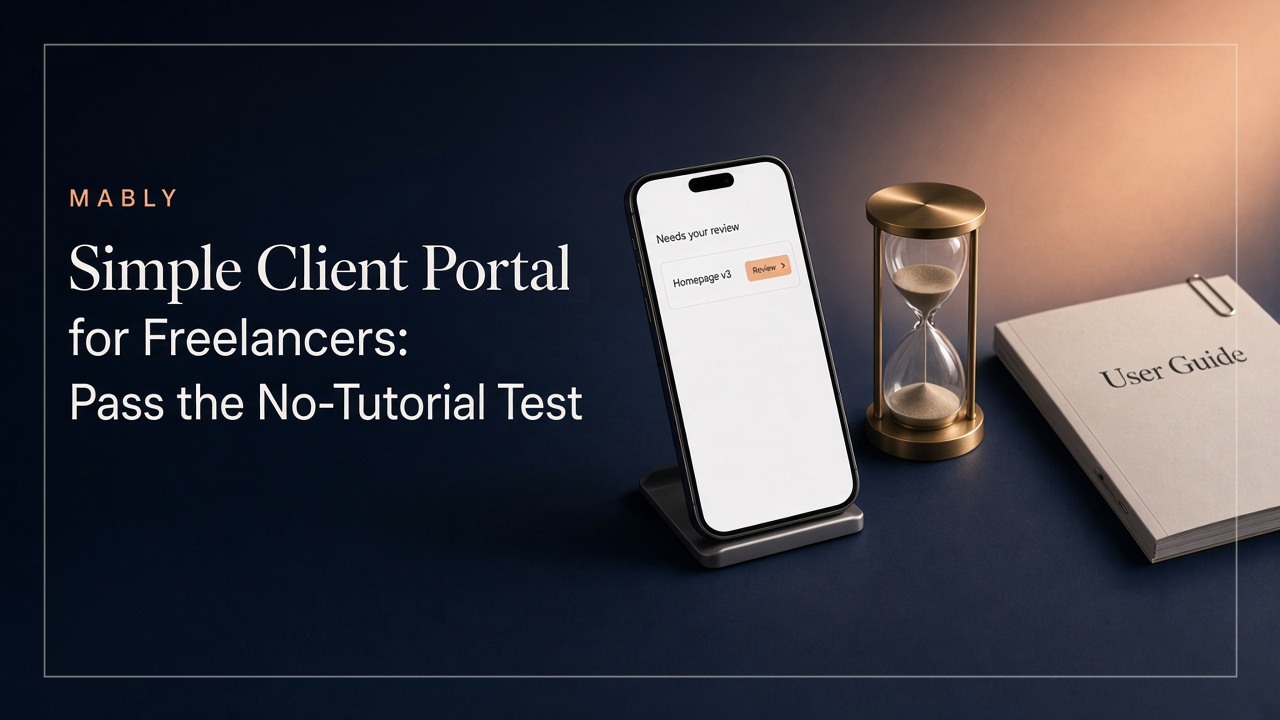
- Ask someone who doesn't know the project: what needs their attention, and where is the latest file? Five seconds. If they shrug, keep looking.
- Check what happens when they approve. Is it stamped and findable later, or just a comment?
- Count the setup steps for the next client. If every new client is a rebuild, you bought a DIY kit, not an app.
That five-second check is the same standard as Simple Client Portal for Freelancers. An app that looks powerful in the admin and confusing in the client view is the wrong product for delivery work.
Build vs buy
Building on Softr, Bubble, WordPress, or a Notion template feels cheaper until you own the edge cases: permissions, mobile layout, password resets, and the empty dashboard that sends clients back to email. Buy when you want the client experience to be someone else's problem. Build when the portal is the product you're selling.
Most freelancers are not selling portals. They are selling design, photos, video, strategy, websites. The portal only has to make that delivery look calm.
Where Mably fits
Mably is a client portal app for freelancers and small teams: one branded link per client, files with status, feedback on the deliverable, and approvals you can point to later. Clients sign in with a magic link or email code. No guest seat in your project tool. No organizer for a tax return.
Keep Drive, Figma, and your board for the work. Give the client the layer they actually need. If the search was really "I need one place that isn't email," that is the product.
Try a client portal built for delivery
One branded link per client. Files, feedback, and approvals — without a walkthrough call.
Try Mably freeWhat is a client portal app?
Software that gives each client a private place to see their project: latest files, feedback, approvals, and often invoices. It sits in front of the tools you use to do the work, so clients don't need a seat in your Drive, Notion, or project board.
Do I need a separate app if I already use Notion or Asana?
Those tools can store information. They are built for you, not for a client who opens the link six times. Most freelancers keep them for internal work and use a portal app for the client-facing side.
Is a client portal app the same as file sharing?
No. File sharing holds the files. A portal also shows what changed, what needs the client, and what they already approved. Without that, people still email "where's the latest?"
Should clients download an app from the App Store?
Usually no. For freelance delivery, a browser link is enough. Mobile apps matter more for accounting firms and high-volume document collection. If the product requires a download before a client can leave feedback, expect friction.
How do I know if an app is too complicated?
Open it as a client on your phone with a real deliverable inside. If you need more than a sentence to explain where the file is and what needs their review, it will fail for them too.
.webp)