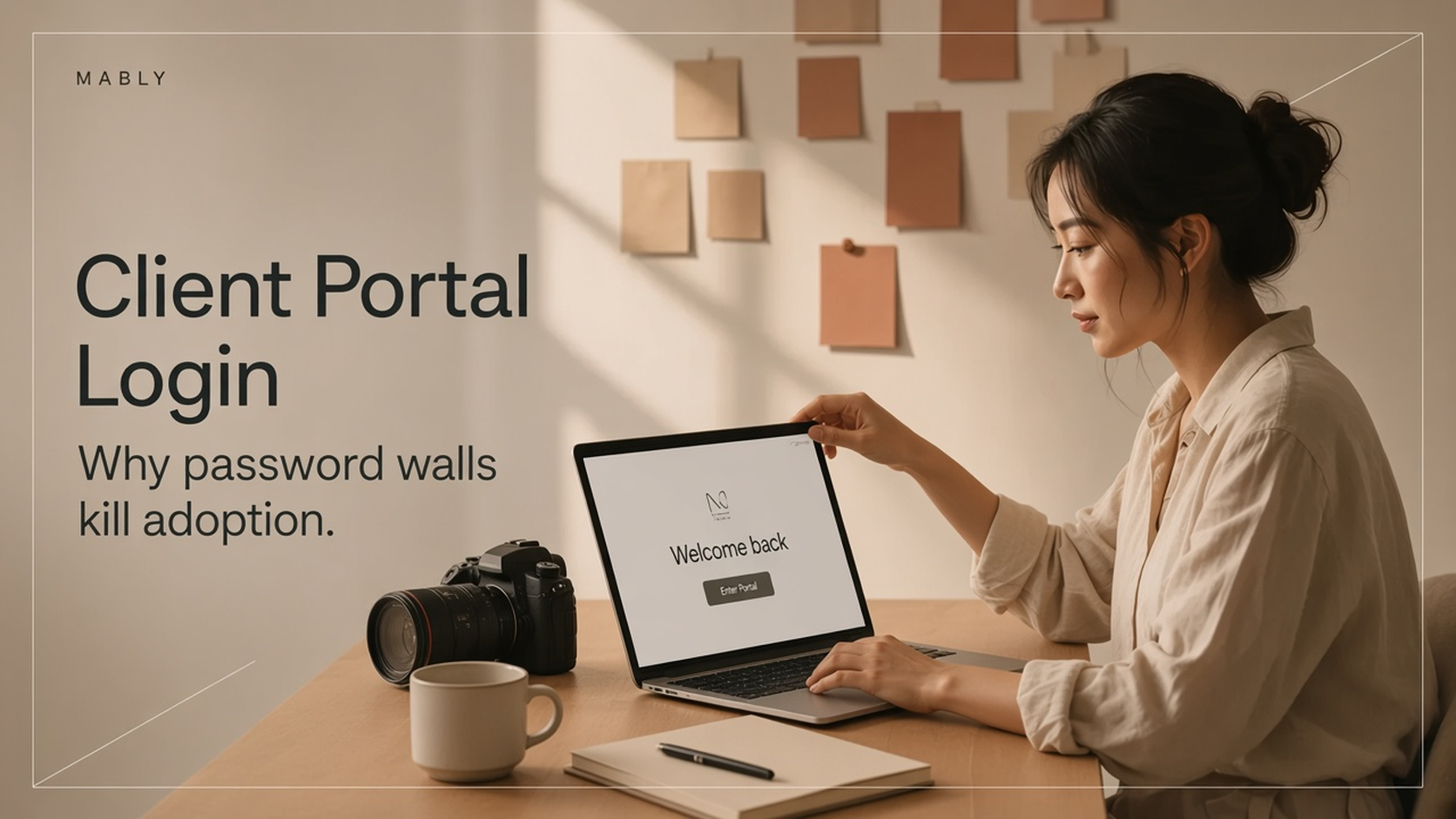
If you searched for client portal login, you’re probably in one of two places: trying to open a portal your freelancer sent you — or building a portal and wondering how clients should sign in.
That second group often copies SaaS defaults: email, password, reset flow, maybe SSO. It feels “proper.” For freelance client delivery, it’s usually the wrong move.
What people mean by client portal login
Search intent splits three ways:
- A client forgot how to access files or approvals
- A freelancer is setting up portal access for the first time
- Someone is comparing portal tools and checking login requirements
In every case, the real goal isn’t “create an account.” It’s get to the project without friction — see files, leave feedback, approve work.
Why password logins quietly break freelance portals
Clients aren’t employees. They don’t live in your tool every day. Asking them to create yet another password creates drop-off you never see in analytics.
- They postpone review because “I’ll set it up later”
- They ask you to resend files over email instead
- A second stakeholder never gets invited properly
- Password resets become your unpaid support queue
If your portal needs a tutorial, it’s already competing with WhatsApp — and WhatsApp will win.
The better standard: access without a password wall
For creative delivery, the highest-converting access pattern is simple: one private link per project. The client opens it and sees the work. Optional magic-link email can add security without inventing a password.
What good access looks like
- You create the project and upload deliverables
- You send one branded portal link
- Your client opens it — no account setup required
- Feedback and approvals happen in the same place
That’s the bar a simple client portal for freelancers should pass.
Skip the login wall. Send one portal link.
Mably gives freelancers a branded client portal for files, feedback, and approvals — clients open a link, no password maze.
Try Mably freeWhen a login still makes sense
Password accounts aren’t always wrong. They’re better when:
- You’re running an enterprise vendor portal with roles and SSO
- Clients need a permanent dashboard across dozens of products
- Compliance requires named user authentication for every view
Most freelancers and small studios don’t need that. They need faster reviews. A heavy login flow is borrowed from project management software — which is why a client portal vs project management distinction matters.
How Mably handles client access
Mably is built as a client portal for freelancers. Clients access their project through a link — no forced password signup just to see files or leave feedback.
You keep control of what’s shared. They get a calm place to review work. You stop chasing “can you resend that?” messages.
A practical checklist before you ship portal access
- Can a non-technical client open it in under 10 seconds?
- Can a second stakeholder use the same project without a new onboarding call?
- Are files, comments, and approvals in one place after they arrive?
- Would you rather use this than email attachments?
If any answer is no, fix access before you add more features.
Frequently asked questions
Do clients need a client portal login for Mably?
No password wall for basic project access. Clients open their project link and can review files, leave feedback, and approve work without creating an account first.
Is a no-login portal secure enough?
Private project links are designed for client delivery. You control what each project contains and who receives the link — which matches how most freelance handoffs already work, without extra passwords to lose.
Why do so many portals still require login?
Many tools started as CRMs, helpdesks, or PM platforms. Login is natural there. Freelance delivery is different: short bursts of review, not daily employee usage.
What if my client keeps asking for the login page?
Send the project link again and state clearly: “No account needed — open this link to review.” If your tool can’t do that, the tool is the problem.
The bottom line
Most client portal login problems aren’t solved with a better password form. They’re solved by removing unnecessary login friction so clients can review and approve without another account to manage.
One project. One link. That’s the access model freelancers actually need.
.webp)